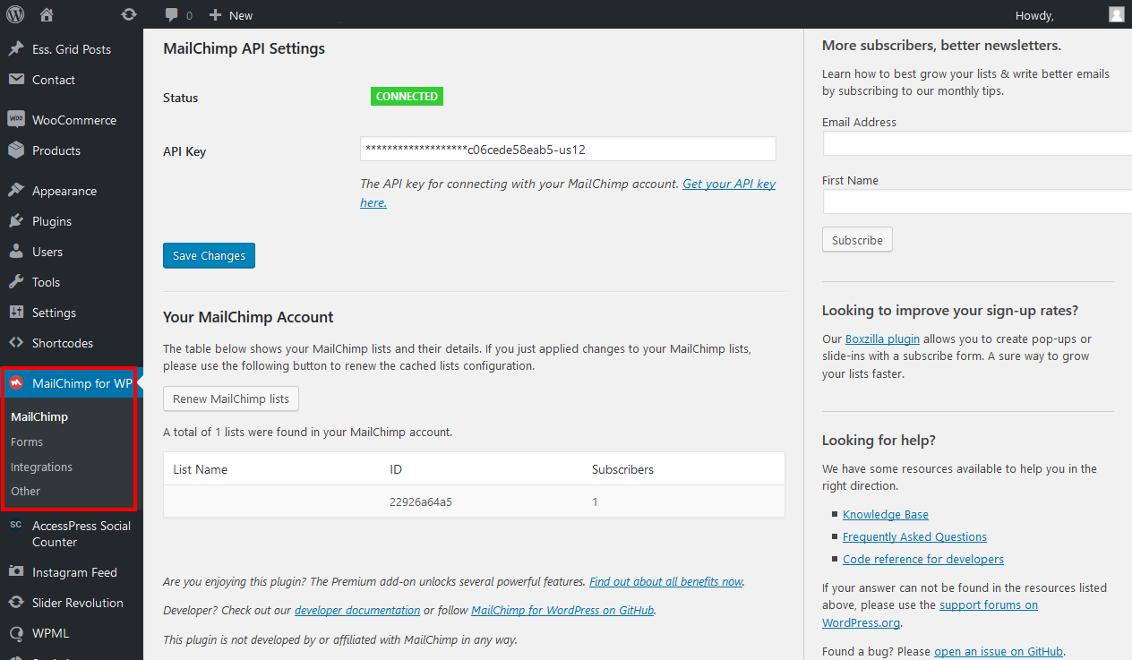
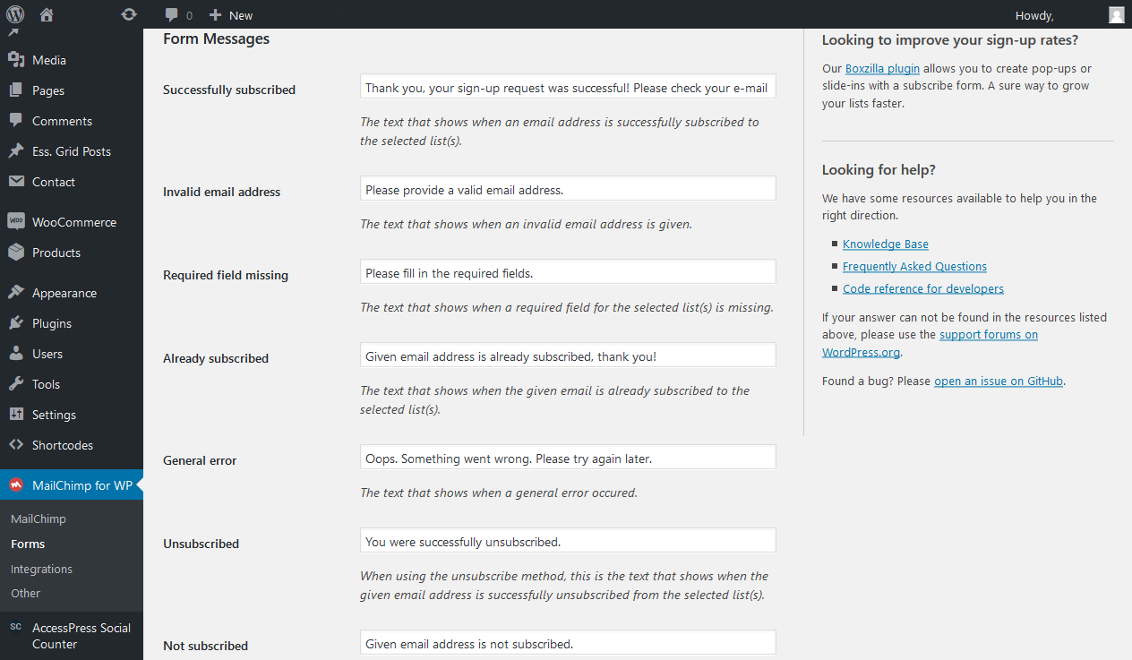
MailChimp for WordPress helps you add more subscribers to your MailChimp lists using various methods. You can create good looking opt-in forms or integrate with any other form on your site, like your comment, contact or checkout form. This useful plugin can connect with your MailChimp account in seconds, sign-up forms which are good looking, user-friendly and mobile optimized. You have full control over the form fields and can send anything you like to MailChimp.
MailChimp is a newsletter service that allows you to send out email campaigns to a list of email subscribers. MailChimp is free for lists up to 2000 subscribers, is why it is the newsletter-service of choice for thousands of businesses.
This plugin serves as a bridge between your WordPress site and your MailChimp account, connecting the two together.
Installing the plugin:
In your WordPress admin panel, go to "Plugins" > "New Plugin", search for "MailChimp for WordPress" and click "Install now".
Alternatively, download the plugin and upload the contents of mailchimp-for-wp.zip to your plugins directory, which usually is /wp-content/plugins/.
Activate the plugin
Set your MailChimp API key in the plugin settings.
Configuring Sign-Up Form(s):
Go to "MailChimp for WP" > "Forms"
Select at least one MailChimp list to subscribe people to.
(Optional) Add more fields to your form using the add MailChimp field dropdown.
Embed a sign-up form in pages or posts by using the [mc4wp_form] shortcode.
Show a sign-up form in your widget areas using the "MailChimp Sign-Up Form" widget.
If you have any additional questions about this plugin, please visit the following links: