Google has recently announced some changes to their Google Maps API. More specifically, they have changed for which functionality in Google Maps they require API keys. In order to provide correct appearance of google maps on your website it is necessary to generate and set up a Google Maps browser key. You must have a Google account to generate a key for Google Maps Javascript API. Google Maps requires a special Google Maps browser key. Without this key, you cannot display Google Maps on your website.
2. Create a new project or select an existing project.
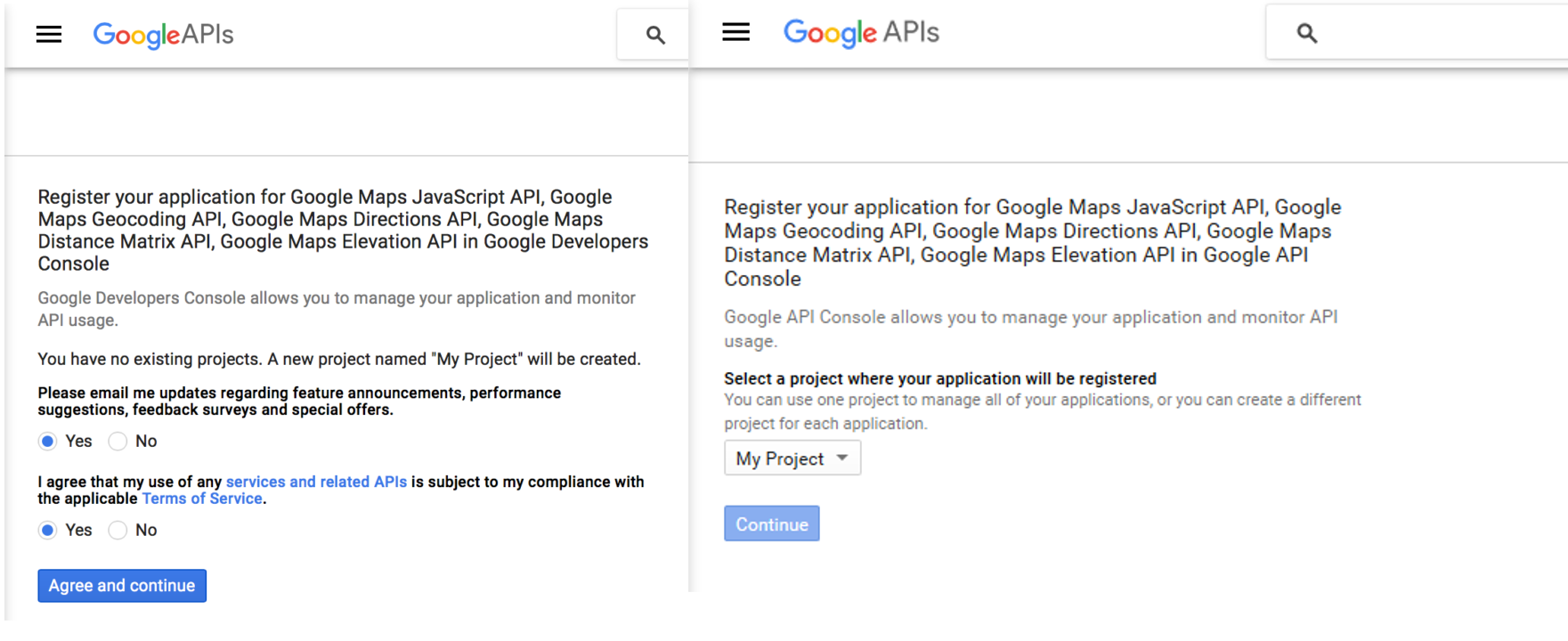
3. If you do not have an active API project yet, you will be asked to agree to the terms of service. A new project will be created automatically:
4. Click "Continue" to enable the API and any related services.
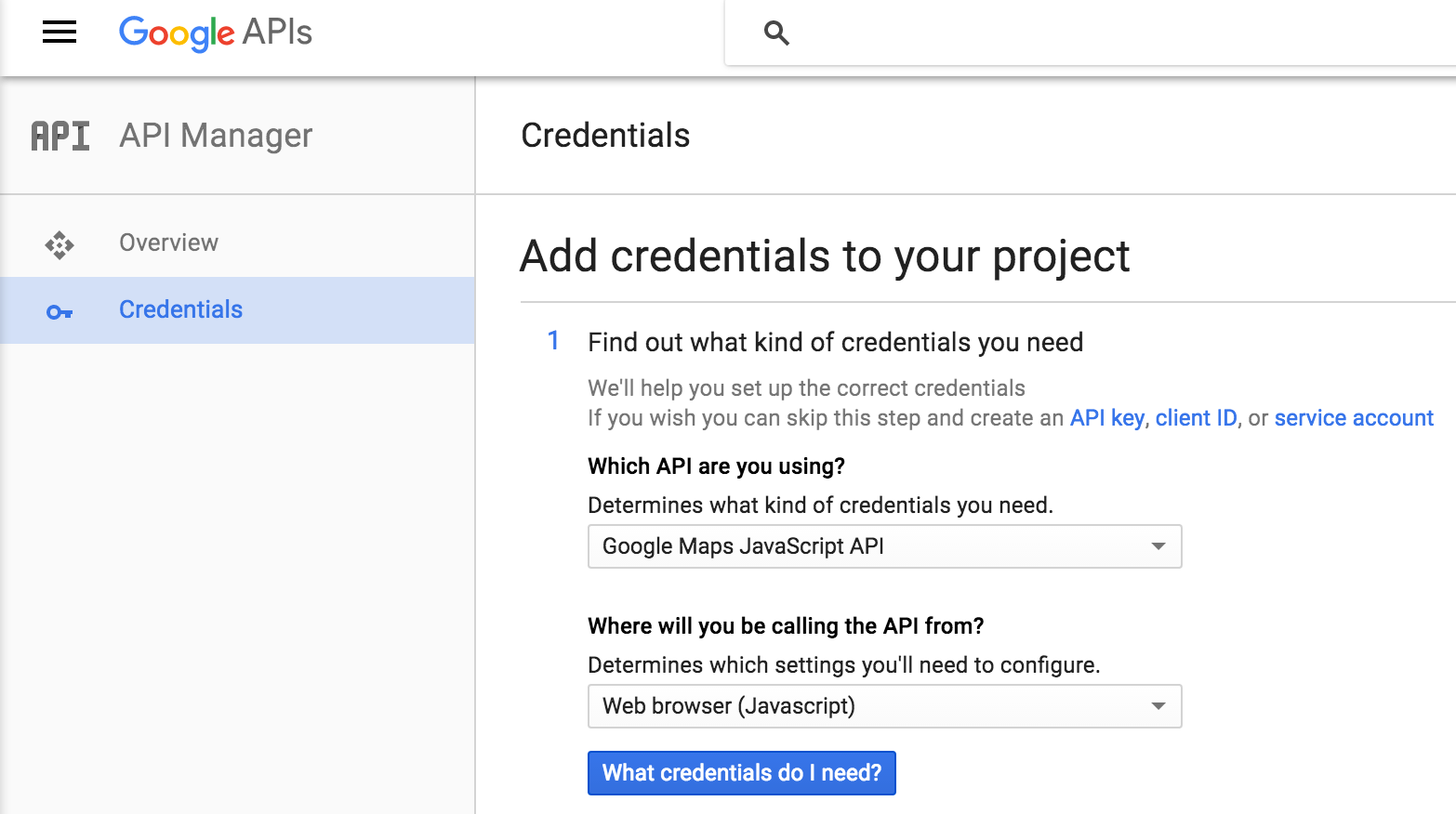
5. On the Credentials page, select Google Maps JavaScript API and Web Browser (JavaScript) if requested:
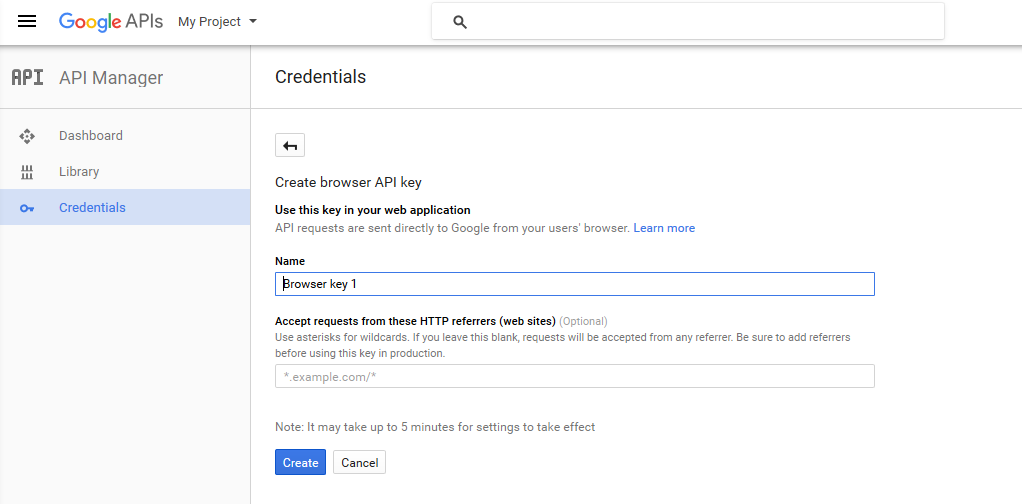
6. Give a name your browser key:
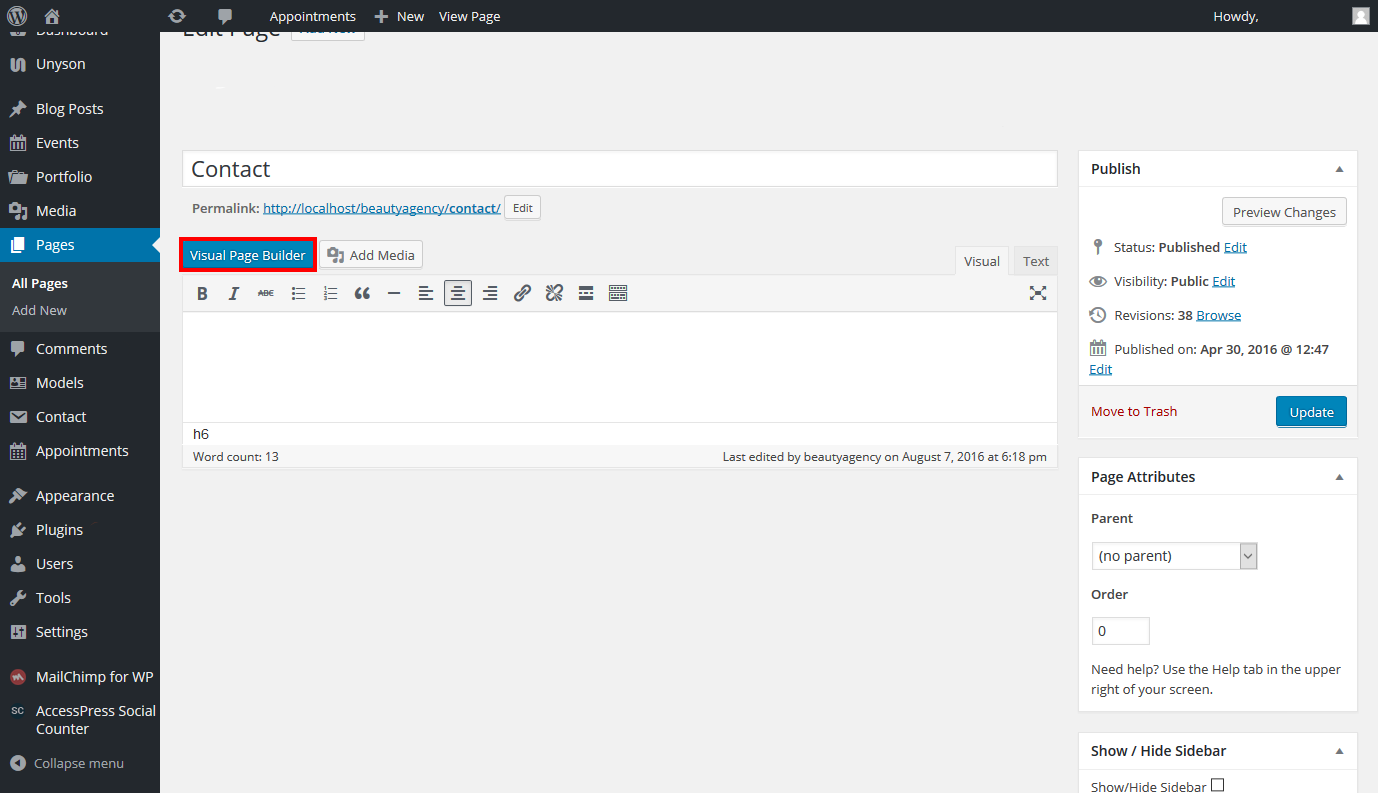
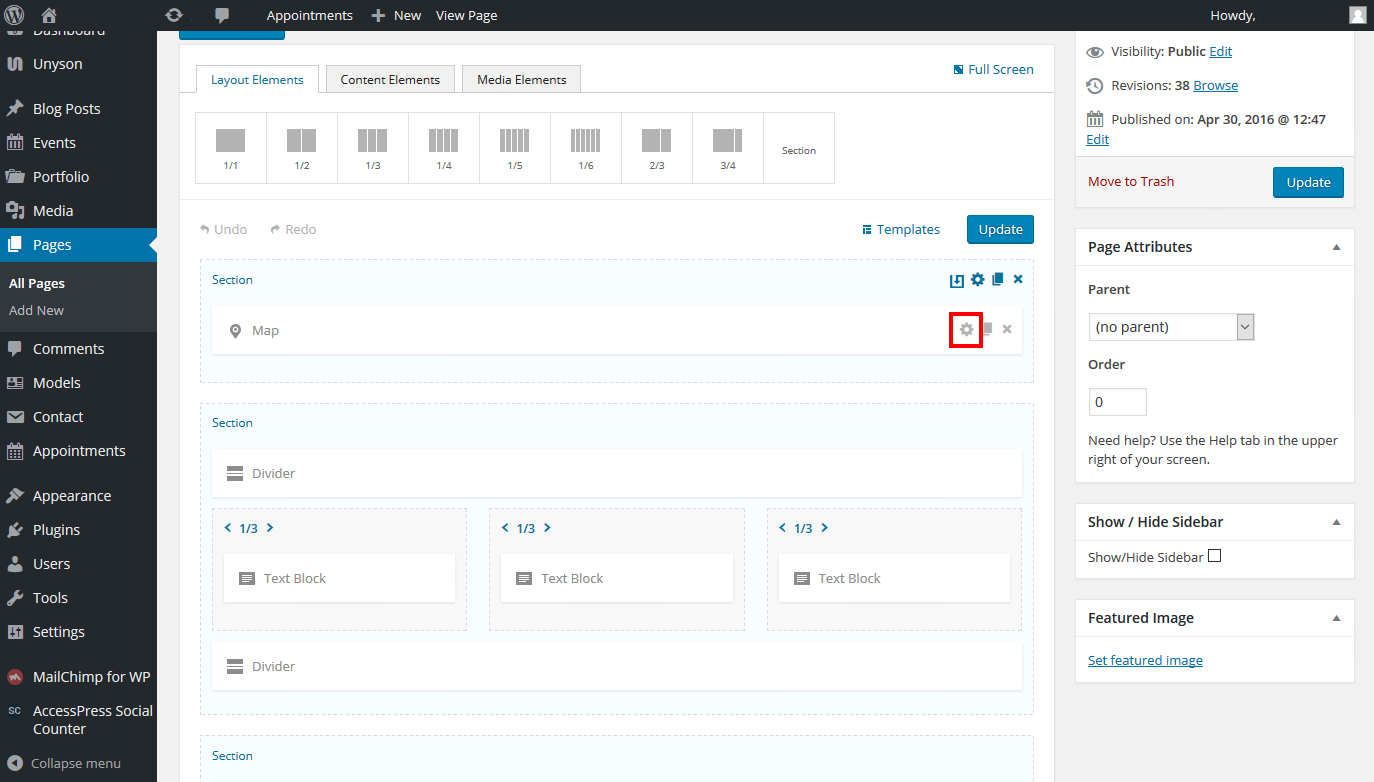
7. Copy the generated browser key from the popup and set up it via Wordpress Dashboard to a necessary page. Click "Pages" > "All pages" > chose necessary page and click "Visual Page Builder":
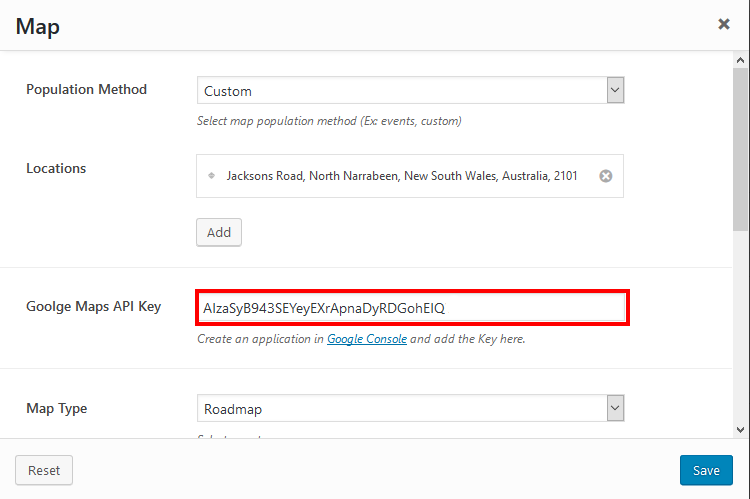
9. In Visual Page Builder click settings in "Maps" section and insert Google Maps API Key:
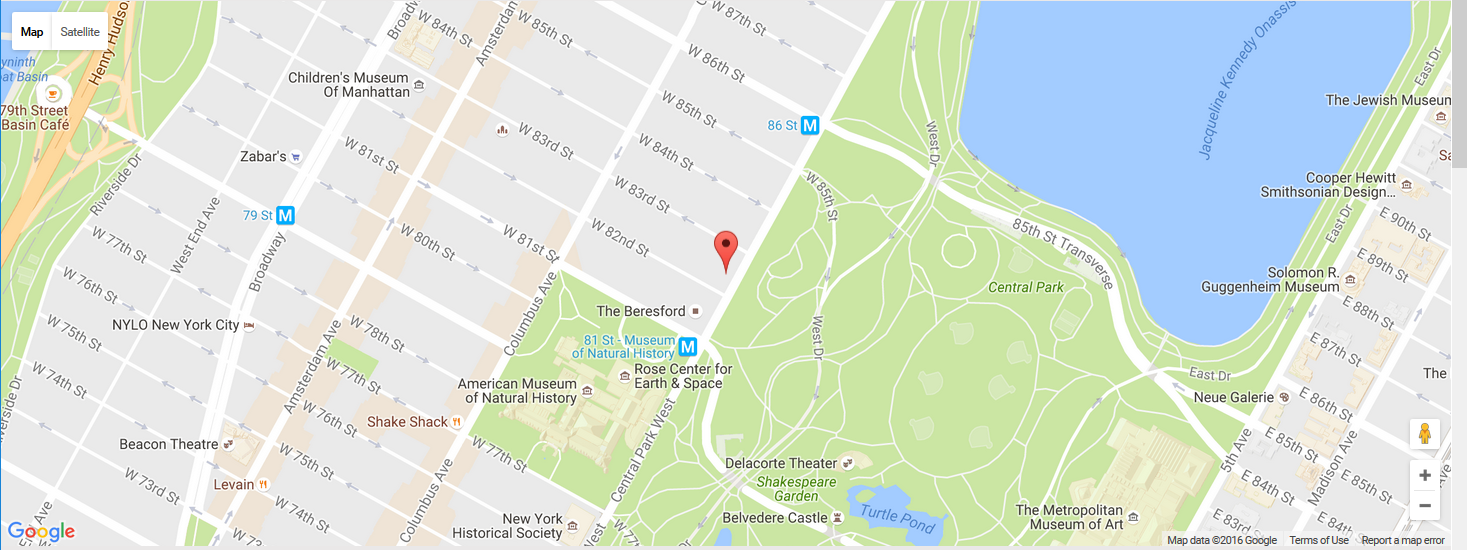
10. Click "Save" and "Update" buttons. Now you can view the map on your page:
If you have any additional questions about Google Maps Api, please check these links: